

Let projects lead the design
Combine full-room photography with details of materials, lighting and furniture. Build individual project pages so your portfolio shows both the result and the decisions behind it.
Interior designers
Show the thinking behind your interiors. Bring finished rooms, materials and your design process together in a website that helps clients picture working with you.
Explore website ideas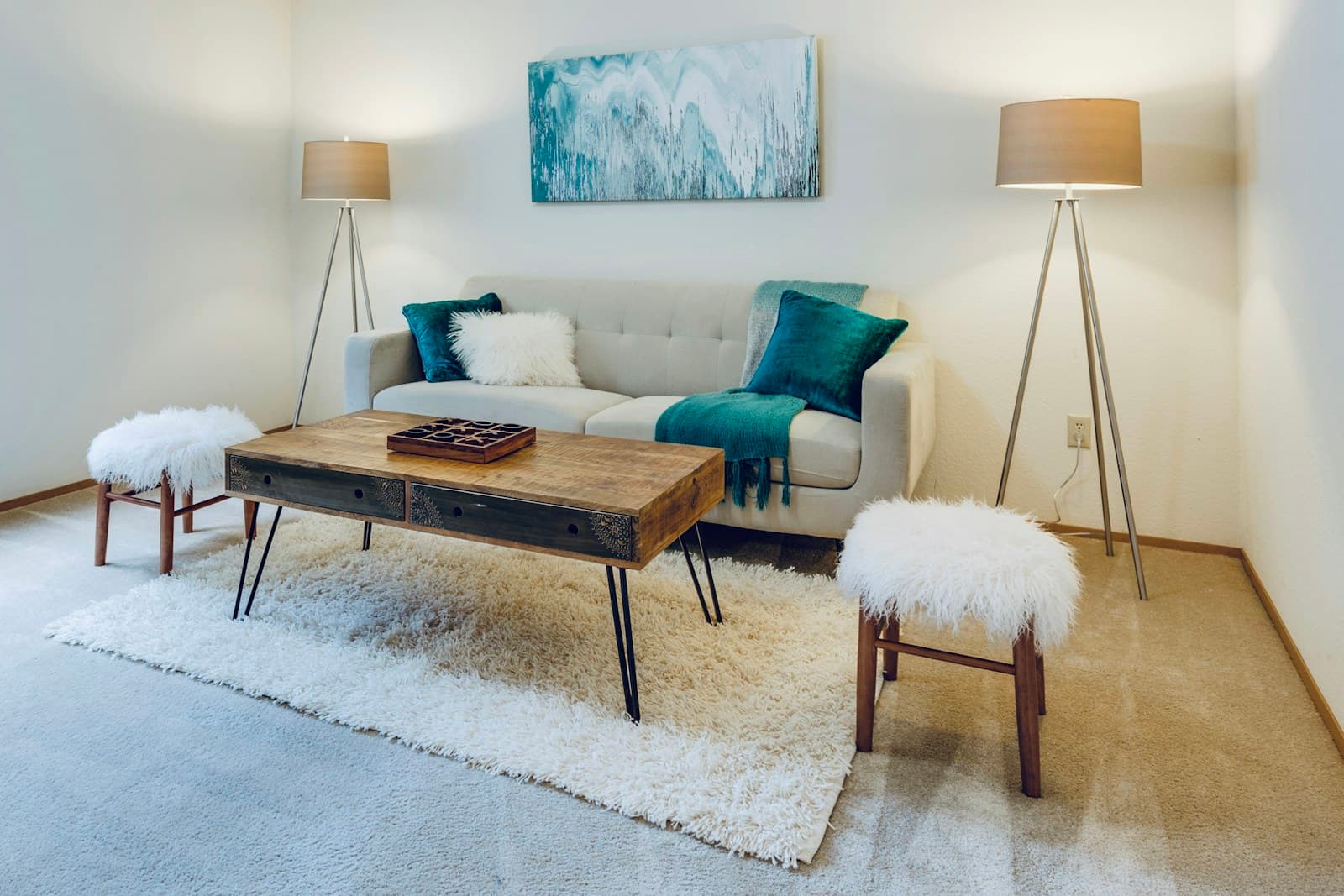
smartest.website
Combine full-room photography with details of materials, lighting and furniture. Build individual project pages so your portfolio shows both the result and the decisions behind it.
Explain the difference between a consultation, a room concept and a full design project. Use pages and reusable sections to present your process in language a new client understands.
Create an enquiry form for property type, location, project scope and preferred timing. Keep the first conversation focused by asking for the information you actually use.
A useful starting structure. Choose the pages that help your visitors, then add your own words and images.
Explore the website toolsShow the brief, the constraints and your response. Credit collaborators and photography where appropriate.
Describe your stages, deliverables and how decisions are made. Help clients understand what is included.
Introduce your approach, working area and team, then invite visitors to share a little about their space.
SEO
Use project and service pages to answer real questions about your work. Mention the areas you serve naturally, with original project descriptions and helpful image text. Manage page titles and descriptions, publish a sitemap and optionally connect Google Search Console to monitor visibility.
Yes. Choose a template, add your logo and adjust colours, typography and page sections. Use your project photography to give the website the same visual direction as your work.
Yes. Create separate pages and navigation links for each area of your work. Each project can have its own images, description and relevant service link.
Team access is available subject to your plan. Give colleagues the appropriate access, review changes in the workspace and publish updated projects when they are ready.
Choose a template, add your branding and review your pages before publishing. Features and limits depend on your plan.